Client-ready reporting
A professional Risk Report PDF your team can send forward.
Turn a project schedule into a polished report package for review meetings, client updates, and internal risk conversations without starting from a blank page.
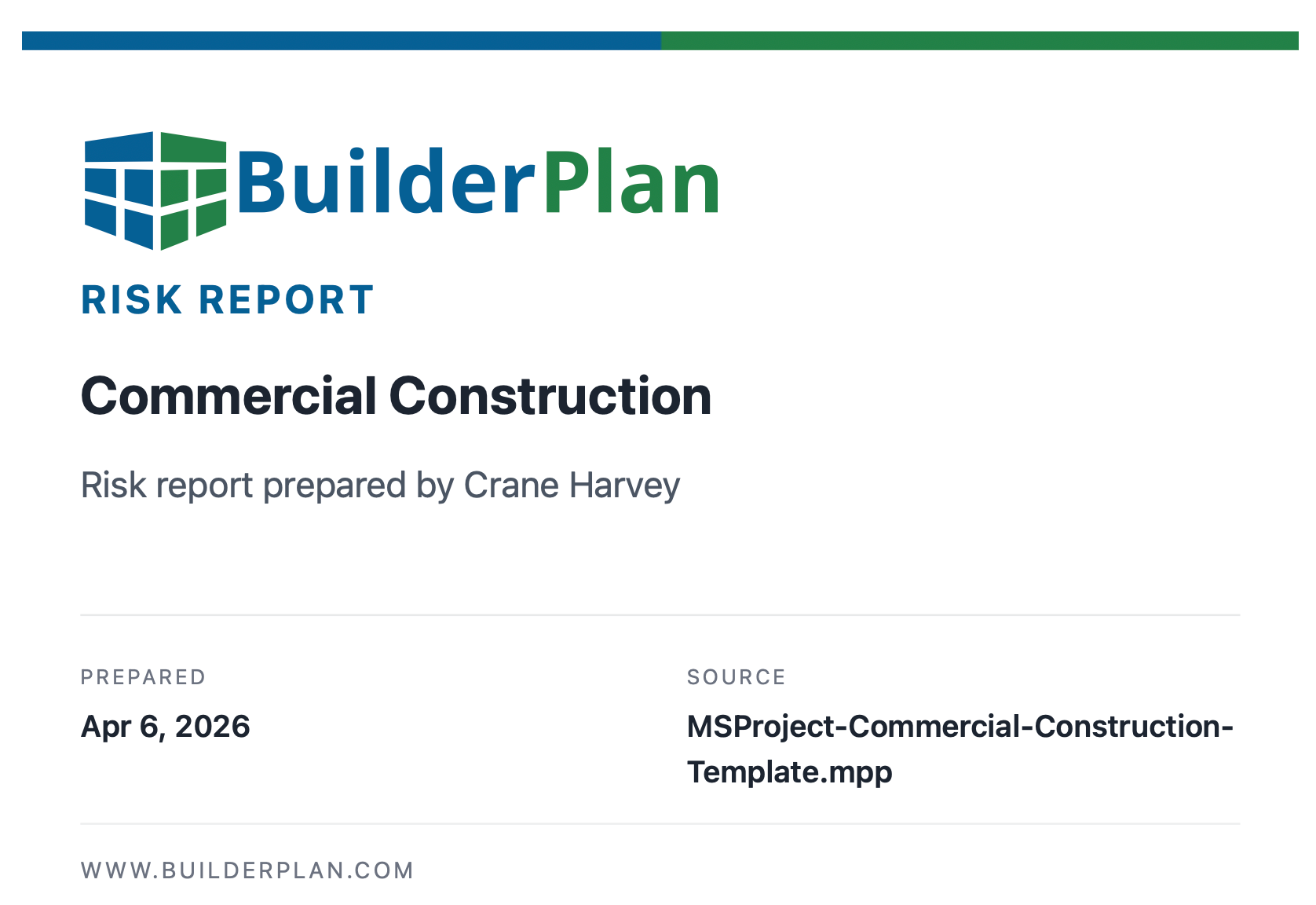
Project schedule intelligence
Generate a professional Risk Report PDF from a Microsoft Project or Primavera P6 schedule, with an executive summary, the top 10 risks, and mitigation recommendations for each risk.
Generate Risk Report$199 per Risk Report · Free preview available
Latest report preview
Return to your last risk report preview without uploading again.
Client-ready reporting
Turn a project schedule into a polished report package for review meetings, client updates, and internal risk conversations without starting from a blank page.
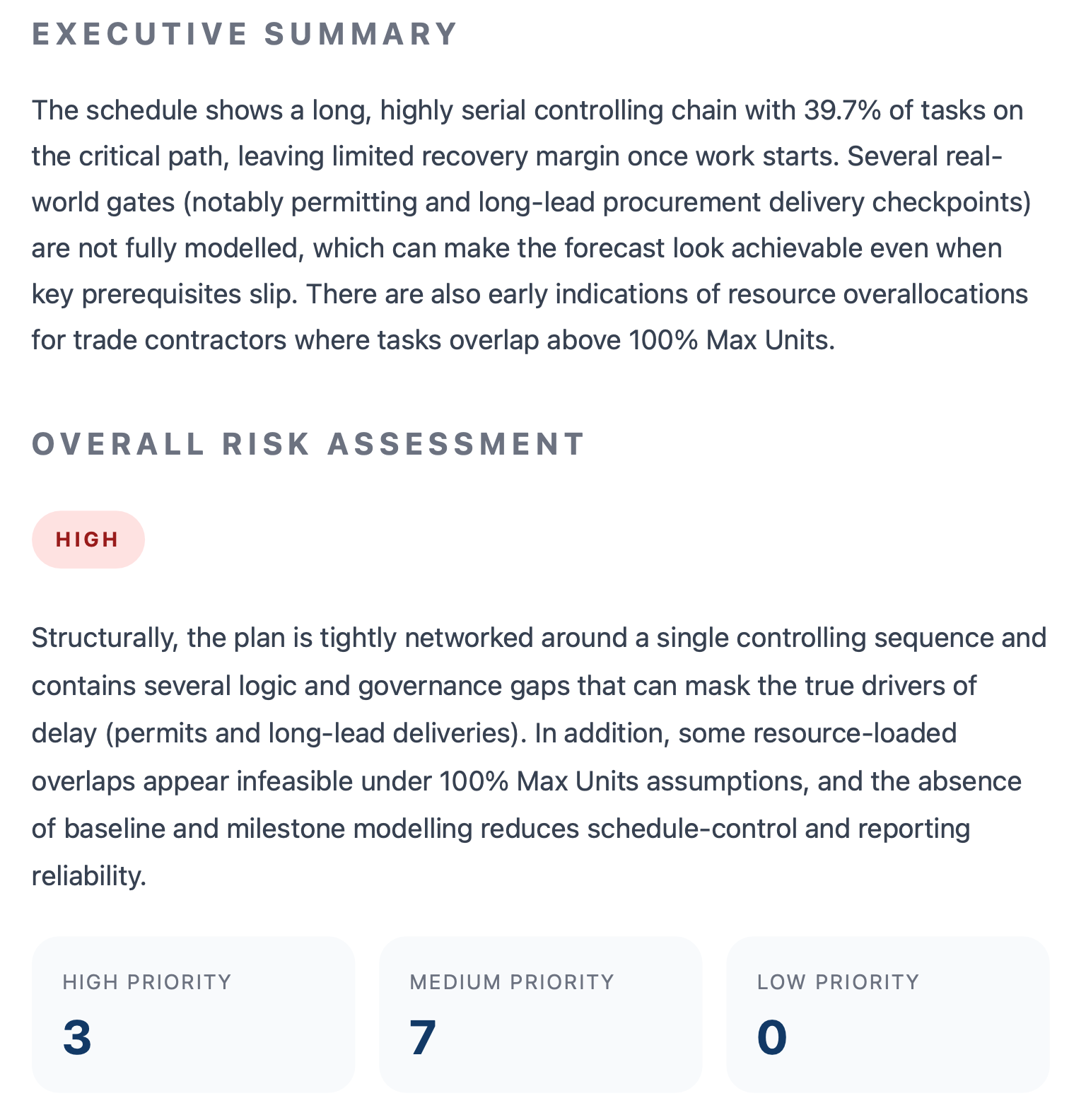
Executive-level clarity
The executive summary and overall risk assessment translate the schedule model into clear language about what could drive delay and where attention should go first.
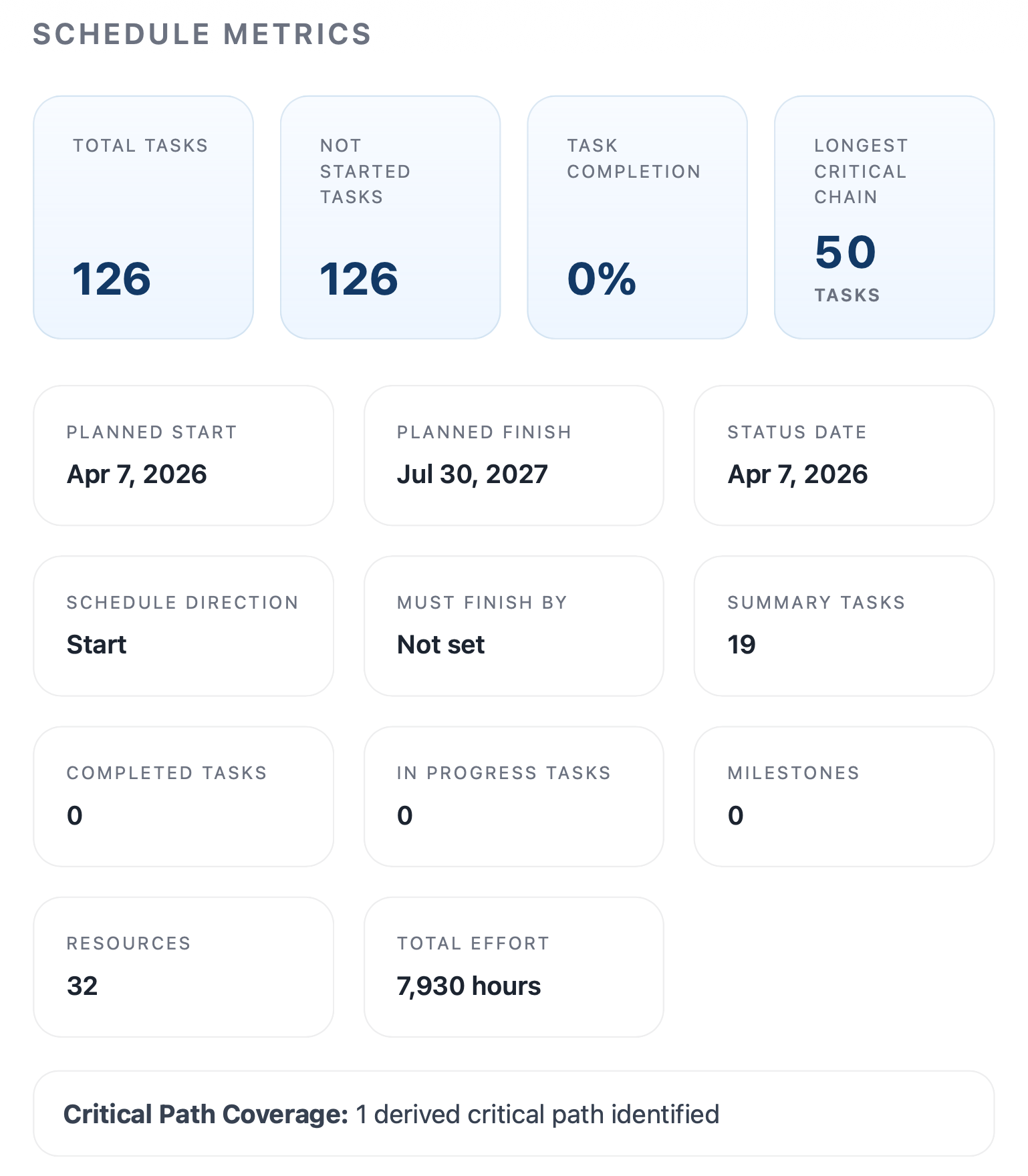
Schedule metrics
Key metrics make it easier to understand schedule size, progress, critical path concentration, dates, resources, and other signals before getting into detailed risks.
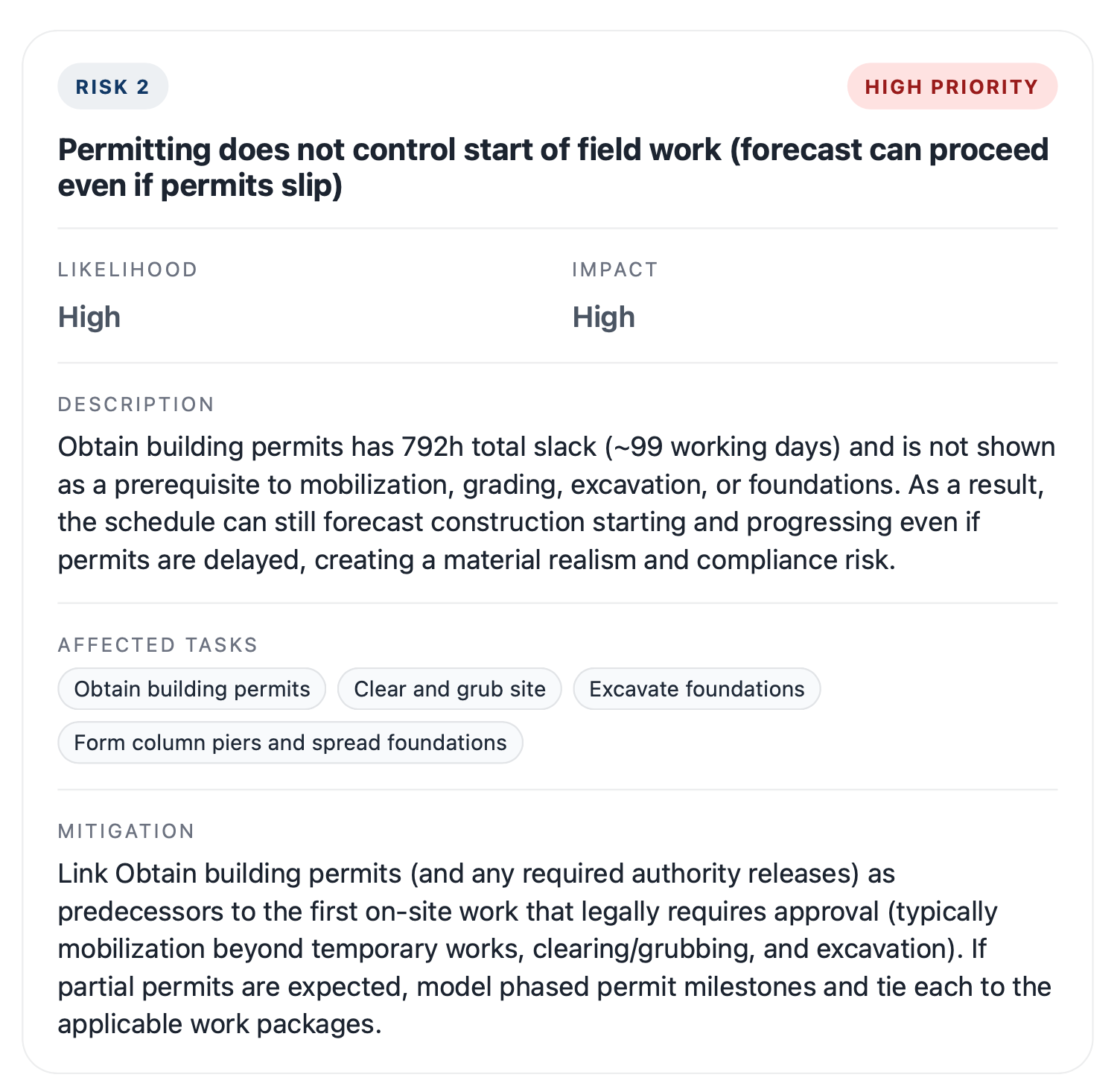
Actionable risk detail
Each ranked risk includes likelihood, impact, affected tasks or activities, and mitigation recommendations so the report supports practical schedule review instead of just flagging problems.
$199 per Risk Report · Free preview available
Inside your Risk Report
Example schedule metrics
Built for real project schedules
Securely upload your Microsoft Project or Primavera P6 schedule and get a complete risk review in minutes.
Built to interpret real schedule logic, including dependencies, float, critical paths, and resource constraints, so the insights reflect how your project is actually planned.
Long-lead procurement is incompletely decomposed and some ties appear misaligned to field execution
Permitting does not control start of field work
High critical-path concentration and near-zero recovery margin
Trade contractor resource overlaps exceed 100% Max Units
Baseline control is not established
How it works
You will receive the full PDF report by email within 10 minutes.
Provide your name and email address so we can deliver your full report.
Upload your Microsoft Project or Primavera P6 file through the guided form on this page.
See the opening portion of the report so you can confirm the analysis is useful before paying.
Complete payment only after you have seen the preview and want the full report delivered.
Your completed report is delivered to your inbox so you can review it and forward it easily.
Need help or entered the wrong email? Contact support [at] builderplan [dot] com.
Steps 1 & 2
Start with your contact information and then upload your schedule.
Report preview, payment, and email delivery come next.